We’ve all seen that one viral LinkedIn post claiming an AI chatbot can instantly slash 70% of a support budget with zero downside.
These think pieces aren’t steeped in reality, but if you’re a CX leader or customer support head at a growing company, your colleagues have probably forwarded you those exact same articles.
The pressure to cut costs via “ruthless automation” is real but as operators, we know the messy truth.
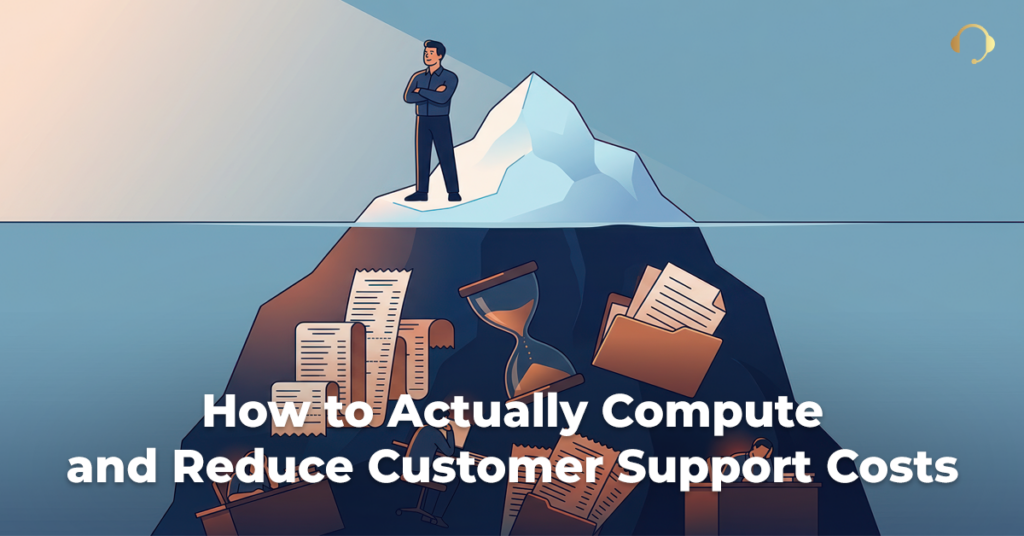
Total ticket deflection sounds great on a spreadsheet, but in practice, over-automation often leads to frustrated customers, spiked churn, and a whole new set of hidden costs—like hiring a dedicated headcount just to maintain a broken knowledge base.
If you’re being told to trim your budget this quarter, the answer isn’t to fully replace your human touch with software. It’s about fundamentally changing how your operational model handles tech and human capital.
How to Fix Your Customer Support Budget
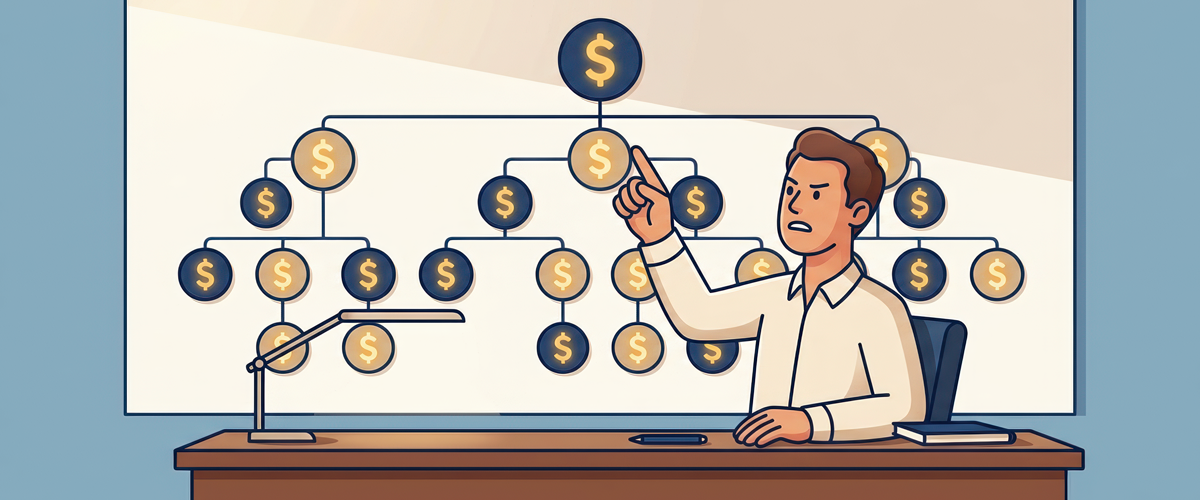
When a CFO asks to trim the support budget, their eyes immediately lock onto headcount. To them, more tickets mean more people, and more people mean a higher fixed cost.
But as support leaders, we know that headcount is a lagging indicator. Ticket volume isn’t a flat line—it peaks during product launches, holiday seasons, or unexpected outages, and it plummets during seasonal lulls.
When you run a purely in-house support team, you are forced to build your headcount for the peaks to protect your SLAs. That means during the valleys, you are paying a massive “underutilization tax”—paying full salaries and benefits for agents sitting idle, waiting for the queue to light up.
To fix the budget, you have to change the math. You need to transition from a rigid fixed cost structure to an elastic, variable cost structure.
The Hidden Math of An In-House Customer Support Agent

When budgeting for an internal support agent, many companies make the mistake of looking only at base salary. If an agent makes $22 an hour, they budget $22 an hour.
In reality, the true cost of an in-house employee is heavily burdened by variables that rarely show up on a support director’s immediate dashboard, but wreak havoc on the company’s bottom line.
Let’s break down the actual annual cost of a single, mid-level in-house support agent in a typical mid-market company, compared to a tech-enabled BPO flat-rate model using this example.
Cost Breakdown (For illustration purposes only. Your mileage may vary.)
| Cost Category | In-House Internal Agent (Annual) | Partnering with a Modern BPO |
| Base Salary / Direct Wages | $35,360 ($17/hr @ 2,080 hours) | $7/hr for an offshore agent or can be charged per ticket ( depending on agreement) |
| Taxes & Benefits (Healthcare, 401k, FICA) | $10,608 (Avg. 30% of salary) | $0 (for independent contractors living offshore) |
| Tech Stack & Hardware (SaaS licenses, laptop) | $3,200 | $3,200 |
| Recruitment & Onboarding | $4,500 (Job boards, HR time, ramp-up time) | Included in contract (BPO manages pipeline & talent churn) |
| Management & QA Overhead | $5,500 | Included in contract |
| Total Real Cost | $59,168 per year | Varies by model (Typically 40–60% less) |
| Effective Hourly Rate | $28.45 / hour | $16.00 – $24.00 / hour |
The Operational Reality: Your in-house agent doesn’t actually cost $17 an hour. They cost $28 an hour once fully burdened. And you pay that $28 whether they handle 100 tickets a day or 10.
How a BPO Structure Reduces Financial Risk

When you transition to a modern BPO partner, you stop paying for the infrastructure of human resource management and start paying strictly for productive capacity.
This changes your financial sheet in two ways:
- Flexible Scaling: If your ticket volume spikes by 40% in November, a BPO scales up your dedicated or shared team to meet the demand. You don’t waste efforts on frantic seasonal hiring or rushed onboarding. When January hits and volume drops, the BPO absorbs the excess capacity.
- Eliminating the Attrition Tax: The support industry averages a brutal 40% to 45% annual turnover rate. Internally, every time an agent walks out the door, you lose roughly thousands in sunk recruiting and training costs. With a BPO, talent pipeline management is entirely their responsibility. Your cost per hour or cost per ticket remains perfectly flat, regardless of internal BPO movements.
By shifting from a fixed in-house model to a variable BPO structure, you stop paying for idle time and unoptimized overhead. You transform support from an unpredictable, rigid cost center into a lean, highly scalable operation that aligns perfectly with actual business demand.
Let’s Audit Your Customer Support Costs
You don’t need a high-pressure sales pitch, and you certainly don’t need another generic brochure. You need to know what your actual, fully burdened cost-per-ticket looks like and where the hidden leaks are in your current setup.
Let’s skip the fluff. Take 60 seconds to fill out our brief contact form with a few quick details about your current ticketing volume and team size.
Once you submit it, our team will review your baseline numbers and get in touch with you as soon as possible.
Together, we’ll map out a customized hybrid framework, showing you exactly where automation can take the hit and where elastic human support can protect your SLAs—all while driving down your baseline overhead.
Frequently Asked Questions
How does a BPO partner protect our CSAT while lowering overall costs?
A modern BPO maintains your customer satisfaction scores by routing repetitive, low-stakes issues to fast automated tools while immediately passing high-stakes problems to skilled human specialists. This ensures your customers get instant answers to simple questions and empathetic, expert resolution for critical issues without bloating your internal payroll.
How long does it typically take to transition from an in-house support model to a BPO?
While building an internal team takes months of recruiting and onboarding, a tech-enabled BPO partner can typically integrate with your existing ticketing platform and launch a fully functional team within two to four weeks. They utilize structured transition frameworks and pre-built training methodologies to absorb your specific product knowledge seamlessly and quickly.
How do we determine which support tickets to automate and which to give to human agents?
You should audit your historical ticket data to isolate high-volume, transactional requests like password resets or shipping updates and assign those entirely to self-service automation. Any inquiries involving high customer emotion, complex troubleshooting, or revenue retention should remain strictly prioritized for human agents who can protect customer lifetime value.